








2K Wallpaper: The Ultimate Guide to Ultra-Clear Desktop & Mobile Backgrounds
In today’s digital world, our screens are our daily companions. Whether you are working on a high-performance monitor, gaming late into the night, or scrolling through your smartphone, the display quality matters. This is where 2K wallpaper comes into play. Offering a massive leap in sharpness compared to standard HD displays, high-resolution backgrounds can transform a mundane screen into a stunning visual experience.
In this guide, we will break down what 2K resolution actually means, why it has become the gold standard for screen customizers, where to find the best backgrounds, and how to set them up for maximum visual impact.
What Exactly is a 2K Wallpaper?
To understand why a 2K resolution background looks so crisp, you need to understand the screen resolution metrics behind it. In display technology, resolution refers to the total number of pixels displayed across a screen.
- Pixel Count: A standard 2K resolution usually refers to 2560 x 1440 pixels, also widely known as 1440p or QHD (Quad High Definition).
- DPI Density: Because it packs four times the resolution of standard 720p HD, images display far sharper details, richer gradients, and zero visible pixelation on medium to large screens.
- Aspect Ratio: Most desktop 2K wallpapers are designed in a standard 16:9 widescreen format, while mobile variations adjust to vertical ratios like 9:16 or 19.5:9.
Why Choose 2K Wallpapers Over 1080p or 4K?
With resolutions ranging from 1080p Full HD to 4K Ultra HD, why is 2K considered the sweet spot for millions of users worldwide? Here are the primary reasons why this resolution leads the market:
1. Perfect Balance of Quality and File Size
While 4K wallpapers look breathtaking, their file sizes can be quite heavy. This can slow down system performance, consume excessive storage, and drain laptop or mobile batteries faster. A 2K wallpaper provides nearly identical visual sharpness to the human eye on monitors up to 27 inches while keeping file sizes lightweight.
2. Ideal for Modern Gaming Monitors
1440p (2K) is currently the most popular display resolution among PC gamers. Using a native 2K resolution background ensures that your desktop background matches your display’s hardware without stretching, blurriness, or scaling artifacts.
3. Crisp Detail on Mobile Devices
Modern smartphones boast incredibly dense displays. Downloading high-density vertical 2K backgrounds ensures your lock screen and home screen look razor-sharp without sacrificing loading times.
Top Categories for Popular 2K Wallpapers
Depending on your personal aesthetic, thousands of high-resolution options are available across various themes. Here are the most searched categories today:
- Anime & Gaming Aesthetics: Featuring high-contrast vibrant colors, iconic characters, and detailed digital art environments.
- Minimalist & Abstract: Clean geometry, dark mode gradients, and soft pastel shades designed to keep desktop icons organized and readable.
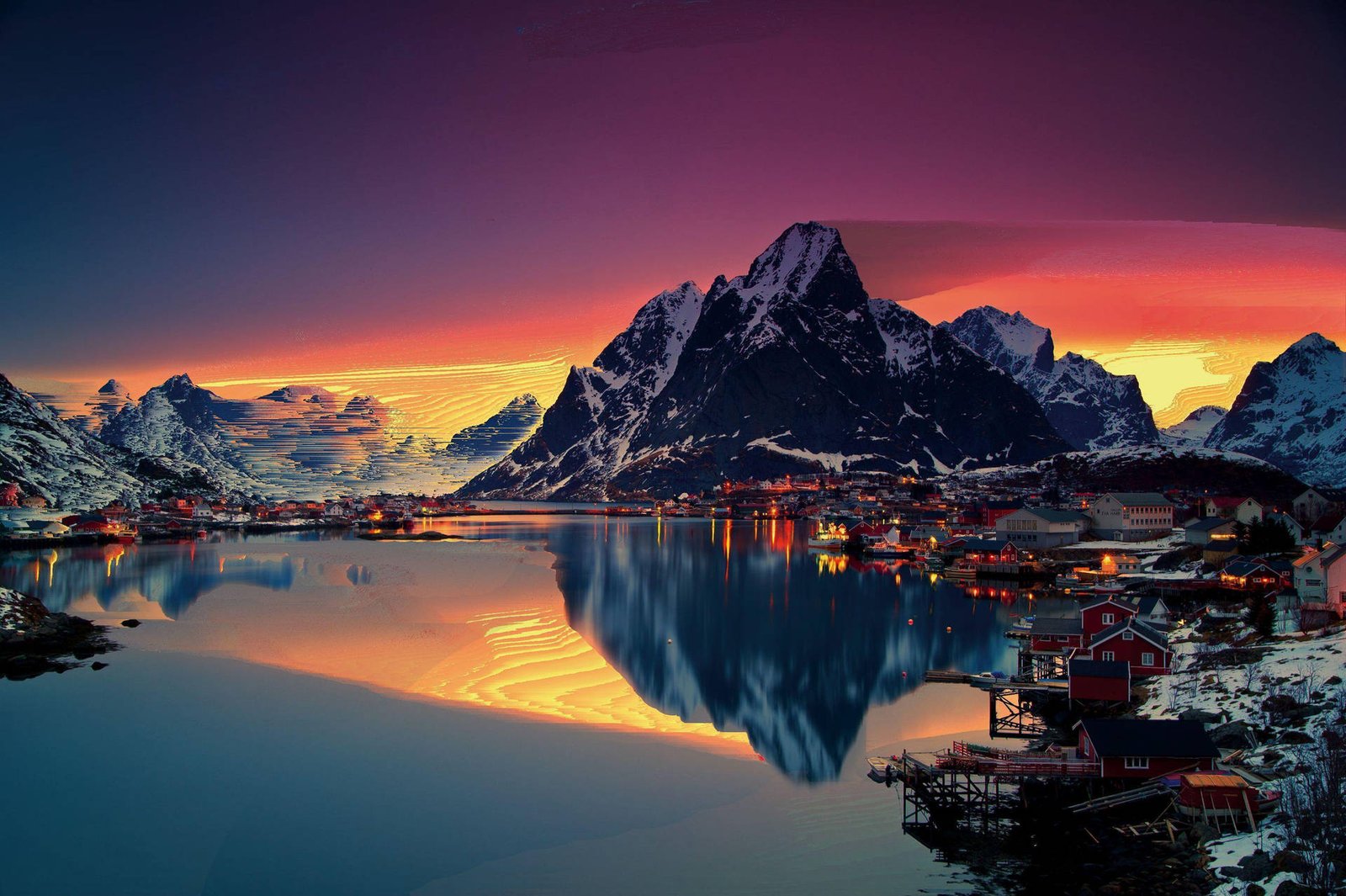
- Nature & Landscapes: Drone photography capturing majestic mountains, oceans, forests, and starry night skies in extreme detail.
- Cyberpunk & Synthwave: Neon lighting, futuristic cityscapes, and dark dark background tones that look stunning on OLED and IPS displays.
How to Optimize Your Screen with 2K Backgrounds
To get the best possible visual experience out of your high-resolution image, follow these practical setup tips:
- Match Screen Ratio: Ensure the image matches your monitor aspect ratio (16:9 for standard screens, 21:9 for Ultrawide displays).
- Avoid Compression: Download wallpapers in raw formats like PNG or high-quality JPEG rather than taking low-res screenshots.
- Use Dynamic Wallpaper Tools: On PC, platforms like Wallpaper Engine allow you to convert static 2K artwork into animated, live backgrounds.
Frequently Asked Questions (FAQs)
What is the exact resolution of a 2K wallpaper?
The standard desktop resolution for a 2K wallpaper is 2560 x 1440 pixels (also known as 1440p or QHD). For smartphones, the vertical dimensions typically flip or scale higher depending on the screen aspect ratio.
Is 2K wallpaper better than 1080p?
Yes. A 2K image contains substantially more pixels than a 1080p image, resulting in sharper edges, clearer textures, and less blurriness, especially on screens larger than 24 inches.
Will using a 2K background drain my battery fast?
Static 2K wallpapers have a negligible impact on battery life. However, using animated or live 2K backgrounds on laptops or smartphones will consume slightly more power.
Conclusion
Upgrading your display with a high-quality 2K wallpaper is one of the easiest ways to refresh your digital environment. Striking the ideal balance between pristine clarity and fast performance, 1440p imagery guarantees your desktop or smartphone looks modern and crisp. Explore your favorite aesthetic categories, select native resolutions, and enjoy an upgraded visual setup every time you unlock your screen.