







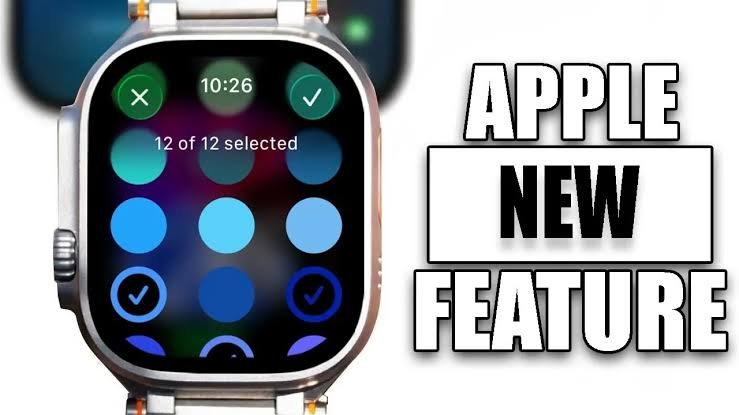
Everything You Need to Know About the Latest Apple Watch Updat
Software updates for the Apple Watch have transformed the device from a simple wrist notification center into a powerful personal health monitor, fitness coach, and AI assistant. Operating on watchOS, Apple regularly delivers system upgrades that optimize performance, introduce new health tracking capabilities, and streamline day-to-day interactions directly from your wrist.
Understanding how these updates function, what features they bring, and how to maintain your device ensures that you get the absolute most out of your wearable technology.
Major Features and Health Innovations
Recent watchOS updates focus heavily on deeper intelligence, refined design elements, and actionable health insights. Advanced machine learning models power features like Workout Buddy, which offers personalized motivational feedback during training sessions based on your pace and fitness history. Furthermore, visual refinements across the interface enhance legibility, while smart gestures allow users to dismiss notifications or control media playback with simple one-handed actions.
Health metrics continue to be a primary focus of Apple Watch software advancements. Updates regularly introduce enhanced background monitoring algorithms that track sleep trends, heart rate variability, and environmental noise exposure with greater precision.
How to Install the Update on Your Apple Watch
Installing the latest software update on an Apple Watch requires a quick preparation process to ensure a smooth transition. Before initiating the installation, make sure your paired iPhone is updated to the latest software version and connected to Wi-Fi. Your Apple Watch must be placed on its charger and have at least fifty percent battery power remaining to start the update process safely.
You can complete the update using either your iPhone or the Apple Watch itself. On your paired iPhone, open the Watch application, navigate to the General section under the My Watch tab, and select Software Update. Alternatively, you can open the Settings application directly on your Apple Watch, tap General, and select Software Update. Follow the on-screen prompts, enter your device passcode if prompted, and leave both devices undisturbed until the process completes.
System Requirements and Model Compatibility
Not every Apple Watch model supports every new software generation, as processing demands increase with each major release. Apple generally supports hardware models with software updates for several years following their launch. Devices that fall outside the hardware requirement window will continue to function normally for daily tasks like tracking basic steps and displaying notifications, but they will no longer receive new interface features or secondary app upgrades.
Keeping your Apple Watch updated is vital for maintaining security, battery management, and app stability. Security patches included in periodic software maintenance releases safeguard your personal health data and keep your smartwatch running efficiently alongside your smartphone ecosystem.